Category: Sony

  • Sony C:32:60 Lens Error Workaround For HDR-FX1000, HDR-Z5u, HDR-AX2000 and  HXR-NX5u

    Sony C:32:60 Lens Error Workaround For HDR-FX1000, HDR-Z5u, HDR-AX2000 and HXR-NX5u

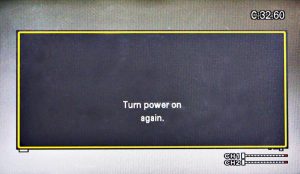
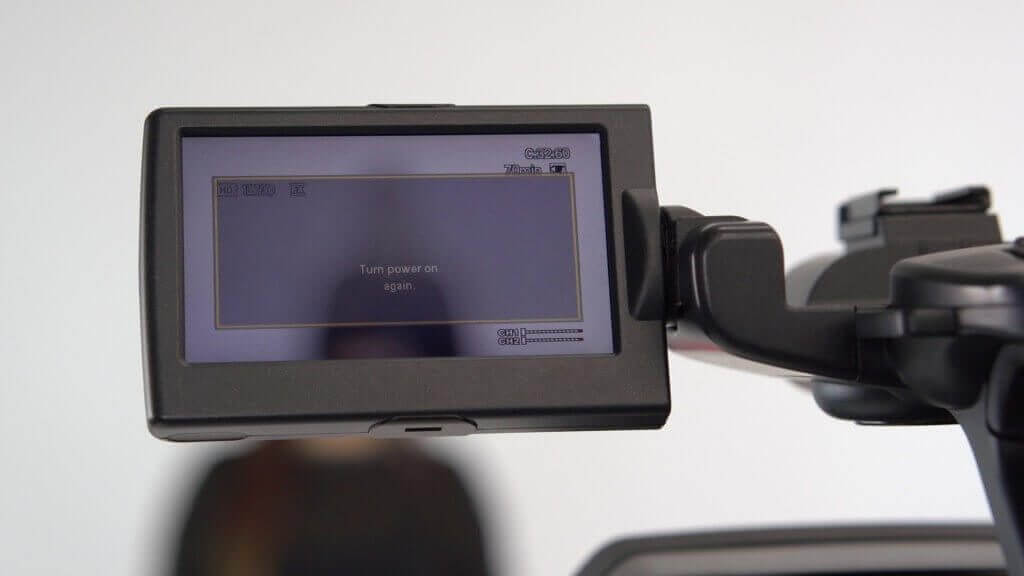
    Are you experiencing a C:32:60 lens error or focus problem?
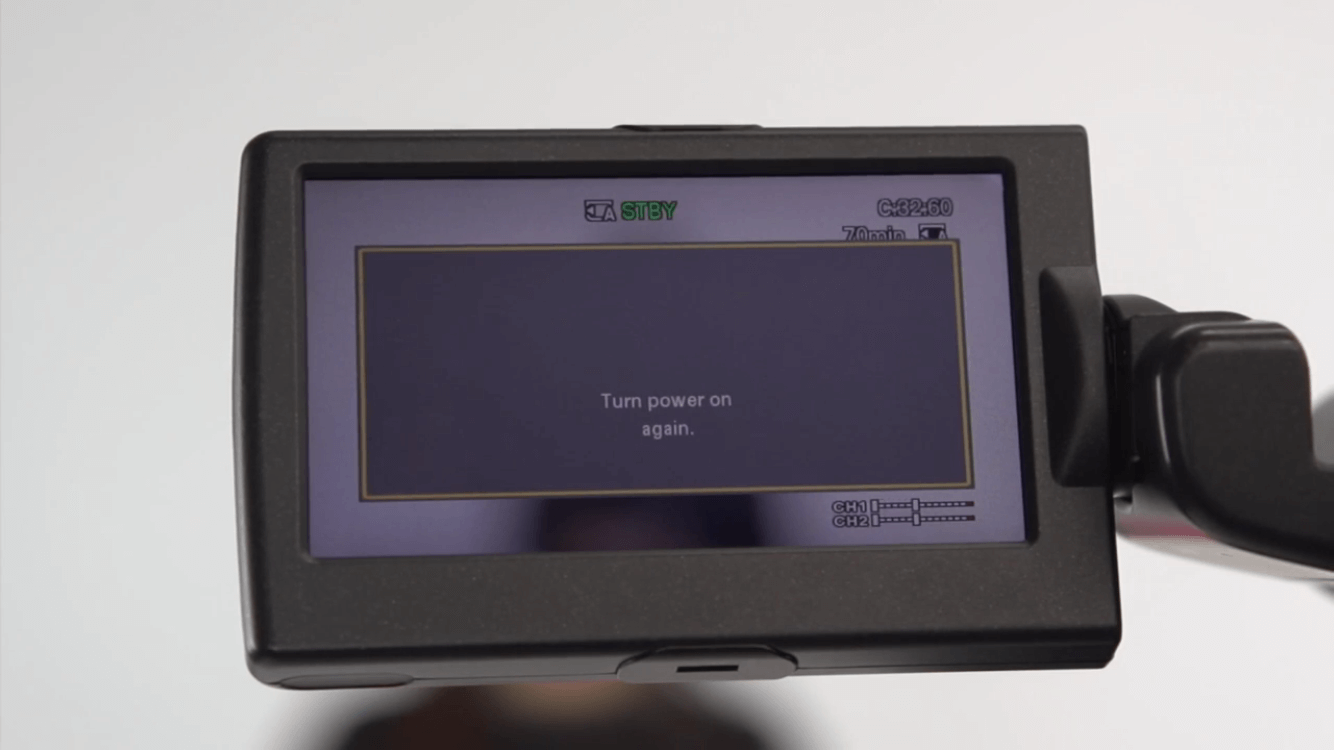
    If you are experiencing a C:32:60 lens error, can’t focus, or are hearing abnormal noises coming from your Sony camcorder then this article may help. This workaround should help you get through your last shoot. It’s not intended to fix your camcorder, its only intended as an emergency solution when you have to finish a job. This workaround should work with the Sony HVR-Z5U, HDR-FX1000, HDR-AX2000 or HXR-NX5U camcorders. If you would like to read more about why your camcorder goes into the Sony C:32:60 Lens Error just click the link.

    Essential guidelines for this workaround to work:

    • Make sure that you have your camcorder on a tripod. It’s not impossible to do this hand holding the camcorder but if you are, it will be very difficult for you to maintain focus due to the faulty condition of the lens.
    • For a more zoomed in or close up shot, slightly tilt the camcorder forward.
    • For a more zoomed out or wide angle shot, slightly tilt the camcorder back.
    • By tilting the camcorder forward or backward you are manually moving internal focus lens into the proper position to focus your shot.
    • As a rule of thumb you do not want the focus lens all the way forward or backward, you will need to briefly tilt it in the opposite direction to move it out of that position.
    • Focusing your shot is done by turning the ZOOM RING not the focus ring.

    Focusing a zoomed in or close up shot:

    If you want a zoomed in or telephoto shot, start by using the zoom ring or zoom rocker to zoom in on your subject. Then continue by tilting the camcorder forward. Tilting the camcorder forward moves the internal focus lens forward. You will be tilting the camcorder forward for around 3-5 seconds. You do not want the focus lens all the way forward so slightly tilt the camcorder back for a second. Then bring the camcorder back to a horizontal state. Slowly rotate the zoom ring to achieve focus. Remember you are not using or touching the focus ring. If you do not achieve focus, slightly tilt the camcorder backwards, for another second and bring the camcorder back to a horizontal state. Again, use the zoom ring to try and focus your shot. It’s ok to tilt the camcorder backwards more than once. This will slightly move the internal focus lens and allow you to achieve focus.

    Focusing a zoomed out or wide angle shot:

    If you are trying to accomplish a zoomed out or wide-angle shot, you will need to do the opposite of a zoomed in shot. Start by zooming out, tilting the camcorder backwards for 3-5 seconds and then forward for a second. You will then need to turn the zoom ring to adjust for focus.

    If you are not successful or the lens is making excessive abnormal noises, repeat the entire process.

    After you have achieved focus:

    Once you are in focus, you will want to be very careful not to bump the camcorder or the internal focus lens will move causing your image to go out of focus.

    This process will not stop the camcorder from displaying the C:32:60 lens error, it will continue to display the error until it is fixed properly. Remember, you are not fixing the camcorder, this process is a temporary  workaround to get you through your shoot. We do not recommend that you depend on this procedure, it doesn’t always work and cannot be depended on.

    If you are having problems figuring out how to do this workaround procedure, please give us a call and one of our experienced technicians will walk you through the process and answer any questions you may have. We are only a phone call away.

    Call Us Toll Free 888-283-2228.

    We are the experts in camcorder repairs, give us a call or send it in for a free estimate and we will take care of you.

    Good Luck, we really hope this helps.

    Rather watch a video? We did a video going over the whole C:32:60 workaround procedure.

    Have Questions?

    Toll Free:
    888-283-2228

  • Mic Holder Broken Sony Camcorder – Step By Step Replacement Instructions

    Mic Holder Broken Sony Camcorder – Step By Step Replacement Instructions

    Is the mic holder on you camcorder loose or broken? No need to send it in for repair, you can easy replace it yourself. Step by Step instructions by an Sony repair technician make this process easy.

    Give us a call to order a new Sony genuine mic holder or order a new mic holder here. Below is a list of some compatible models. If you are not sure if your camcorder model is compatible, no problem, just give us a call with the model number of your Sony video camera and we will let you know.
    Here is a list of some compatihttps://staging2026.videoonerepair.com/product/sony-mic-microphone-external-holder/ble Sony camcorder models.

    HDR-AX2000
    HDR-HD1000
    HVR-Z7u
    HVR-Z5u
    HXR-NX3
    HXR-NX5
    HXR-NX30
    HXR-NX70
    NEX-FS100
    NEX-FS700
    PXW-FS7
    HVR-S270

    Read Video Transcript

    Hello my name is Sheryl and I am one of the Sony technicians at VideoOneRepair.com. I would like to show you how to replace your mic holder on your Sony camcorder.

    I have a Sony HXR-NX5u camcorder in front of me with a broken mic holder. As you can see the mic holder is quite loose on the camcorder and needs to be replaced. This is a common problem with these mic holders.

    There is no need to send your camcorder in for repair for this problem. You can easily replace the mic holder yourself.Let’s get started

    I have the camcorder with the broken mic holder, a new mic holder, and A small Phillips head screwdriver. The one that I am using is a size 0.

    I recommend opening the LCD screen to give yourself more room to work.

    Your first step is to simply open the mic holder. Now remove the two screws that hold the mic holder in place and remove the mic holder.
    Put the new mic holder on

    Replace the two screws that you just removed.
    I’m all done and as you can see The mic holder is nice and stable on the camcorder.

    This process is The same for many other Sony camcorder’s including the Sony HVR-Z5u, HVR-Z7u and HDR-AX2000. If you need more assistance replacing the mic holder on your camcorder or if you need to order a new mic holder just give us a call and we would be happy to help.

    I hope this video was helpful and thank you for watching.


    The problem with the camcorder is a faulty internal electronic switch. This part must be replaced in order to correct this problem.

    If you are in the middle of a shoot and really need to eject the tape, I would suggest sliding the eject switch several times in a row quickly. You can also try holding the switch in the eject position while gently wiggling it back and forth.

    Never spray anything into this assembly or try and pry the tape out of the camcorder. This will only cause damage to the camcorder and the tape.

    When you are ready to send your camcorder in for repair, we would be happy to help you get it up and running again.

    At Video One Repair, we specialize in repairing the XL-H1 camcorder.

    If you have any questions about this or any problem you’re having with your camcorder, give us a call and speak to me or any one of our knowledgeable Canon technicians. You can also visit our website that VideoOneRepair.com or just click on the link to our website in the description below. We look forward to helping you

    Have Questions?

    Toll Free:
    888-283-2228

  • Sony C 32:60 Lens Error

    Sony C 32:60 Lens Error

    There are few things as frustrating as being in the middle of a shoot and then being thwarted by an error code. If you turn on your Sony camcorder and see a C:32:60 error message, you are probably wondering what it is and how to correct it.

    We often see this in Sony HXR-NX5U, Sony HDR-AX2000, Sony HVR-Z5U and Sony HDR-FX1000 camcorder models. These model video cameras all have the same lens and similar circuitry. You can watch a video about lens problems with the FX1000 camcorder here: Lens Error Video

    The symptoms of a problem and error messages shown in the video are similar for all of the above mentioned models.

    What is the Sony C:32:60 error?

    In short, the C:32:60 error has to do with the lens assembly, more specifically the internal focus lens of your camera. The internal focus lens is the part of your Sony camcorder that controls the image focus. The focus lens is managed by a very precise magnetic field. If anything disturbs that magnetic field, the electronic drive circuits that control the lens can and will malfunction. When the dreaded Sony C:32:60 error message occurs, your auto-focus will not work nor will you be able to focus the camera manually.

    All Sony camcorders can have this lens error problem.

    Any Sony camcorder may display the C 32:60 lens error message at any given time but we most commonly see it in the following models
    Sony HDR-FX1000 Lens Error Video
    Sony HDR-AX2000
    Sony HVR-Z5U
    Sony HXR-NX5U

    What are the symptoms of a Sony C:32:60 error?

    The most obvious symptom is your camera’s inability to focus. Other symptoms include:

    • Flashing on-screen C:32:60 error message
    • Failure to auto-focus
    • Failure to manually focus
    • Beeping sound
    • Buzzing noise coming from inside the camera
    • Long warm-up/start-up time

    What causes the Sony C:32:60 error?

    A number of things can cause your Sony prosumer or professional model camcorder to go into the C:32:60 error mode. Sudden impact is the most common cause of this frustrating problem. If your tripod tips over, or if you drop your camera bag, the auto-focus feature of your camcorder may fail. Repeated rough handling of your camera can also cause a Sony C:32:60 error. Disturbances, physical or magnetic, to the drive circuits that control the lens may cause the error message. In some cases, the internal focus lens apparatus itself will fail without any cause.

    How can the Sony C:32:60 error be prevented?

    The number one thing you can do to avoid this frustrating error is to protect your valuable Sony camera at all times. When you are not actively using the camera, keep it stowed safely in a padded camera bag. If you travel by air, take your camera aboard the aircraft with you in lieu of leaving it to the mercy of baggage handlers. Avoid mounting your camera on a moving vehicle, as excessive vibration can and will lead to internal errors.

    Can I fix or repair the C:32:60 error myself?

    If you see this error, the first thing to try is a camera reset. Do this by removing the power source and then reapplying power. This should automatically reset the lens. Computer users know about rebooting a stubborn machine; resetting your Sony camcorder involves much the same principle. Sony recommends reinitializing your camera by following these steps in the order listed:

    1. Turn off the camcorder
    2. Disconnect the AC power adapter
    3. Remove the battery pack
    4. Wait 5 seconds
    8. Reconnect the AC power adapter or reinsert the battery pack
    9. Turn your camcorder back on

    If these steps do not work, you may be able to perform a manual reset that will revert your Sony camera to original factory settings. First, open up your LCD screen. There you will find a reset hole which you will need an unfolded paperclip or sharp object to fit in the hole. Press and hold the reset button for two seconds.

    If you have a Sony HDR-FX1000, HDR-Z5u, HDR-AX2000 or a HXR-NX5u camcorder and  you are on a final shoot and need an emergency work around, we have an article and video that goes through the instruction to get you through your last shoot.

    Sony C:32:60 Lens Error Help Video

    When all else fails

    If your Sony camcorder goes into error mode and none of the aforementioned fixes brings it back to life, don’t worry. At Video One Repair we’ve been repairing and servicing prosumer and professional-quality Sony camcorders for more than 20 years. We understand all the Sony error codes and how to fix them. For further information regarding the C:32:60 error, or any other problems that you are having with your Sony camcorder, please call our toll-free number 888-283-2228 and speak with a knowledgeable Sony camcorder technician.